5 Critical Smart TV Mistakes American Buyers Make (Fixed!)
Discover the top 7 critical mistakes American buyers make when purchasing smart TVs, from ignoring refresh rates to misjudging viewing distances, and learn how to fix them for a seamless home entertainment upgrade. This guide provides actionable solutions to avoid buyer's remorse, covering essential aspects like connectivity, OS ecosystems, brightness, sound systems, software support, and ergonomic sizing. Get expert insights to transform your smart TV investment into years of joyful viewing—ensure you never overspend or compromise on performance again.
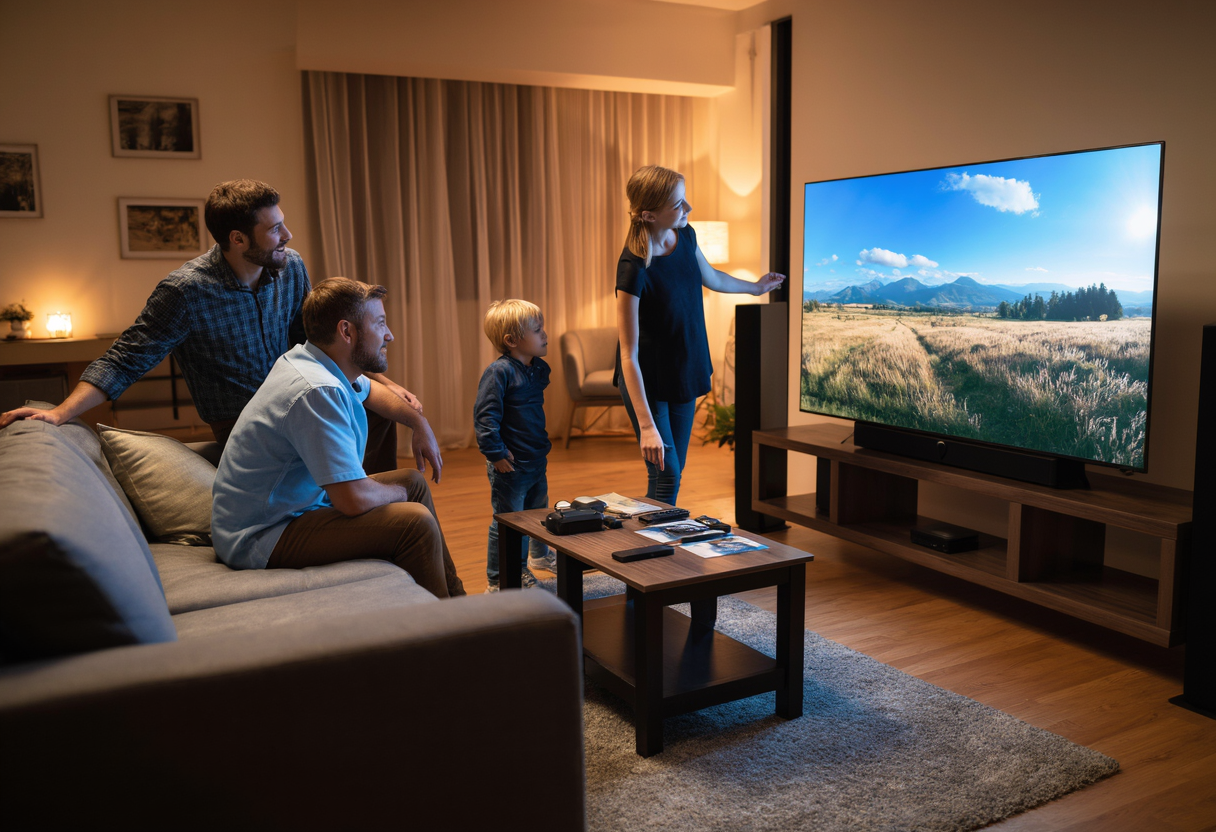
Purchasing a smart TV promises an exhilarating enhancement to your home entertainment setup, yet countless American consumers fall victim to costly oversights during the selection process, resulting in frustration and wasted money. In this comprehensive guide, we'll expose the critical mistakes buyers commonly make and provide actionable fixes to help you avoid buyer's remorse while enjoying a flawless viewing experience tailored to your needs.
Mistake 1: Ignoring Refresh Rate Specifications
Overlooking refresh rate details can swiftly turn your dream smart TV into a motion blur disaster during fast-action scenes like sports or gaming. This core error often stems from a lack of understanding about how refresh rates impact image fluidity, leading to choppy visuals that disrupt your immersive experience. To solve this, focus on 60Hz vs. 120Hz claims—while 60Hz suits everyday viewing, 120Hz delivers significantly smoother motion for high-speed content, reducing blur. However, stay vigilant against inflated specs that offer no tangible benefits in real-world use.
- Match to your lifestyle: Prioritize 120Hz if you're an avid sports fan or gamer; opt for budget-friendly 60Hz for casual viewing to avoid overpaying.
- Verify through HDMI testing: Use reliable devices like a 4K Blu-ray player or gaming console to confirm actual refresh rates, protecting against deceptive marketing practices.
Mistake 2: Underestimating Connectivity Requirements
Many buyers underestimate future-proofing connectivity ports, risking a setup that becomes outdated too soon and struggles with evolving technologies like 8K content or advanced gaming systems. This oversight could lead to costly upgrades down the line, such as compromised picture quality or audio transmission issues. Safeguard your investment by demanding advanced ports that handle next-gen demands seamlessly.
- Insist on HDMI 2.1 ports: Essential for 4K/120fps compatibility, this standard supports higher resolutions and frame rates, perfect for next-gen consoles and streaming services to prevent limitations.
- Check eARC compatibility: If you have an audio system, ensure it supports features like Dolby Atmos for high-quality sound through a single cable; overlooking this may force expensive audio retrofits.
- Require USB 3.0 ports: Efficiently handle large media files or recordings with fast data transfer; older USB versions slow down tasks like backing up shows, making them tedious.
Mistake 3: Overlooking OS Ecosystem Limitations
Ignoring the operating system (OS) ecosystem can trap you in app availability pitfalls, where regional restrictions or exclusivity deals block access to favorite streaming platforms. This mistake often results in a smart TV that fails to deliver essential content, diminishing your entertainment options and user convenience. Assess ecosystem depth to ensure seamless access and integration.
- Research exclusive services: Before buying, check if brands like Samsung or LG have partnerships that limit apps like Apple TV or HBO Max; this ensures your must-have content is accessible.
- Verify assistant compatibility: Confirm support for voice control with Alexa, Google Assistant, or Siri to enjoy hands-free commands; missing this convenience hampers daily use.
- Test smart home integration: Evaluate how well the TV connects to devices like lights or thermostats; shallow ecosystems prevent automation, reducing the 'smart' in your experience.
Mistake 4: Neglecting Brightness and Anti-Glare Features
A common oversight involves ignoring brightness and anti-glare elements, causing daytime viewing struggles with washed-out images in sunny rooms. This core issue stems from not accounting for ambient light's impact on picture quality, turning enjoyable binges into squint-inducing ordeals. Solve it by prioritizing features that enhance visibility in various lighting conditions.
- Understand nits measurement: Aim for at least 500-700 nits (a unit for brightness) in well-lit spaces to maintain vivid images without compromising detail.
- Compare screen finishes: Matte options reduce glare in bright environments, while glossy screens offer deeper blacks but reflect more light; choose based on your room's lighting to avoid constant adjustments.
- Evaluate local dimming zones: More zones provide superior HDR performance by dimming specific screen areas for enhanced contrast, preventing murky shadows in dark scenes.
Mistake 5: Skipping Sound System Planning
Built-in speakers on smart TVs often distort at higher volumes, undermining your audio experience and making immersive sound elusive if not planned properly. This error can force expensive upgrades later, detracting from movie nights or music sessions. Test and optimize your audio setup during purchase to avoid this pitfall.
- Test distortion levels: Play dynamic content like action movies to identify crackling or tinny sounds; this indicates a need for external audio support like soundbars.
- Prewire for Dolby Atmos: If planning a surround sound system, ensure specific cabling during installation to achieve theater-quality audio without costly retrofits.
- Position soundbars optimally: Place them below the TV and angled towards seating to maximize sound reflection; poor placement diminishes quality, even with premium systems.
Mistake 6: Forgetting Long-Term Software Support
Neglecting software updates invites premature obsolescence, where your smart TV loses functionality within years, exposing security flaws or missing new features. This mistake cuts short your device's lifespan, turning a modern purchase into outdated tech quickly. Prioritize support to keep your TV relevant.
- Research update histories: Choose brands like Sony or TCL with strong records for timely patches; frequent updates fix security issues and add innovations, extending your investment.
- Check processor benchmarks: Use online reviews to compare speeds; a sluggish processor causes laggy interfaces, ruining the smart experience—opt for newer generations for efficiency.
- Prioritize 64-bit architecture: Over older 32-bit systems, it handles modern apps and multitasking better, ensuring your device doesn't become outdated rapidly.
Mistake 7: Misjudging Viewing Distance Calculations
Choosing an ill-fitting screen size due to miscalculated viewing distances can strain your eyes or overwhelm your space, detracting from ergonomic comfort. This error arises from ignoring room layout and formulas, leading to an unsatisfactory viewing setup. Perfect your selection with basic calculations for optimal clarity and enjoyment.
- Apply 4K distance formulas: Multiply screen size by 1.5 (e.g., a 65-inch TV from about 8 feet) for optimal clarity, avoiding pixelation or visual fatigue.
- Account for room constraints: Consider furniture placement or wall space to prevent an oversized screen in small apartments or an undersized one in large rooms.
- Avoid overly large screens: Select sizes like 55 inches for cozy areas to prevent neck strain, while larger TVs suit open spaces for balanced ergonomics.
Conclusion: Creating Your Smart TV Buyer's Checklist
Steer clear of these pitfalls by crafting a practical smart TV buyer's checklist: verify refresh rates to avoid blur, demand advanced connectivity for future-proofing, assess OS ecosystems for app access, prioritize brightness and anti-glare features for daytime viewing, plan your sound system wisely for immersive audio, insist on long-term software support to extend lifespan, and calculate viewing distances accurately for comfort. By addressing these fixes, you'll transform your purchase into a smart investment that delivers years of entertainment joy, free from regret and optimized for modern living.